See it in action
A full-featured network visualization running entirely in your terminal.
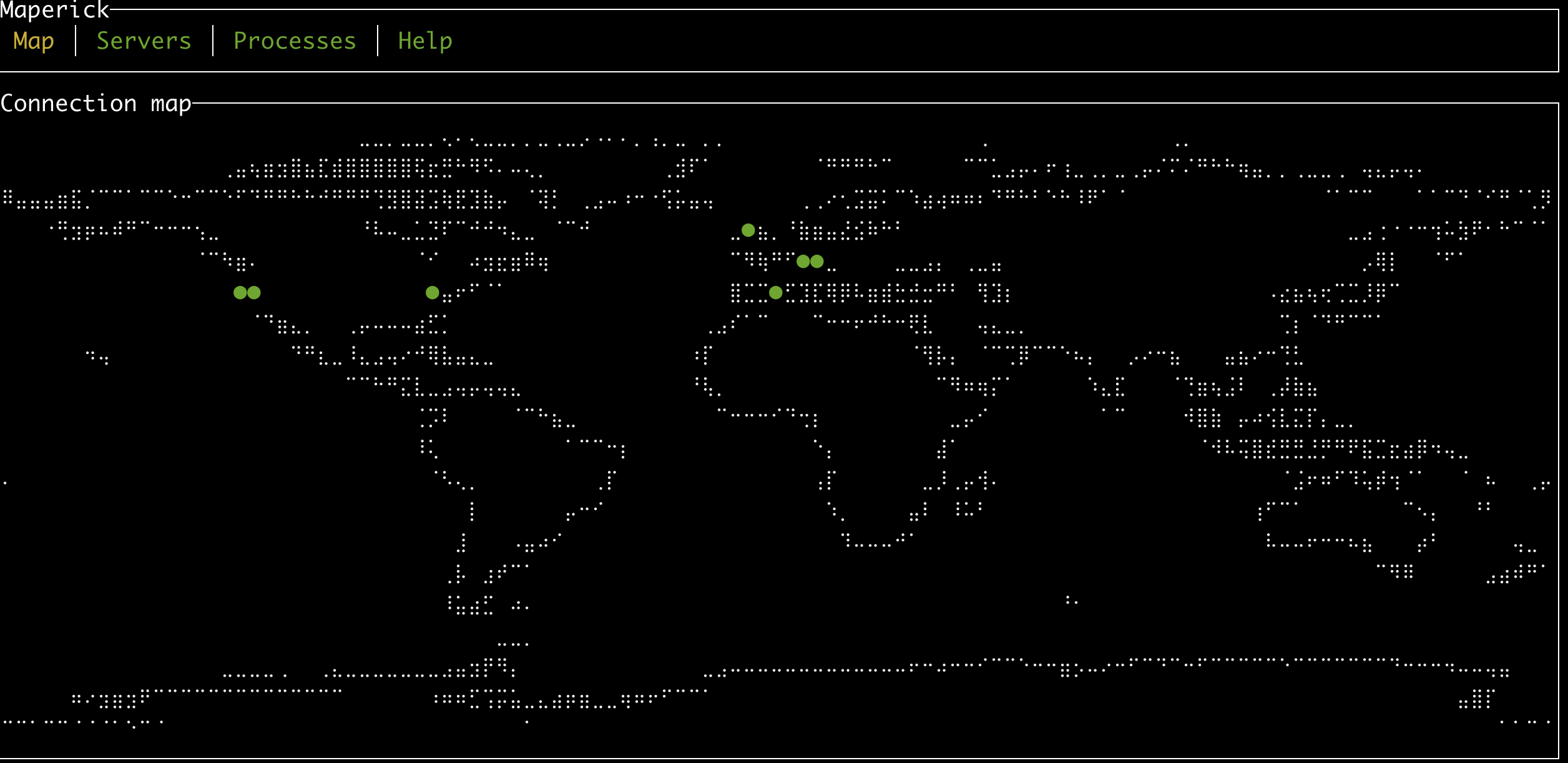
World map view with geolocated connections
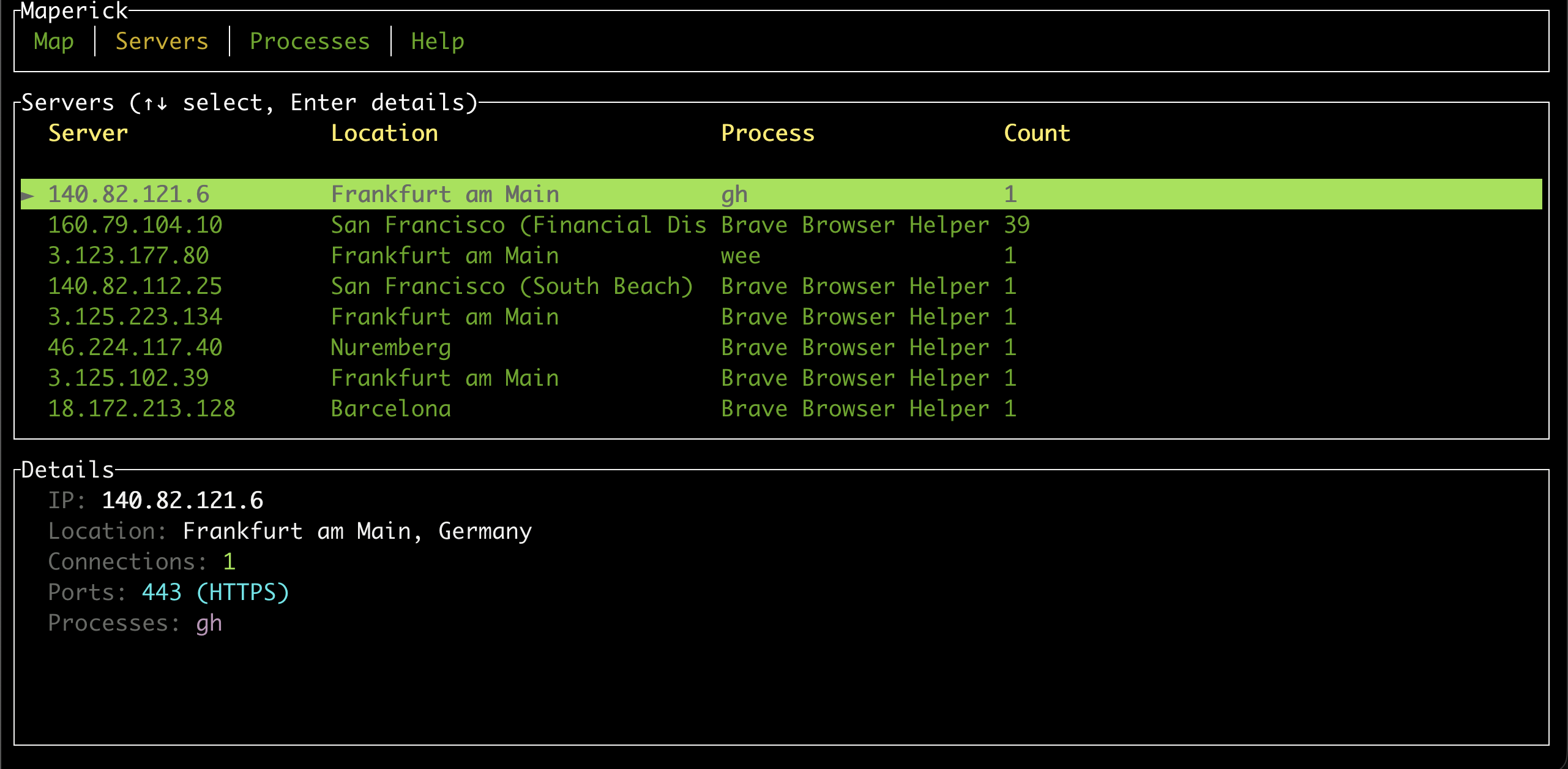
Server statistics with all-time history
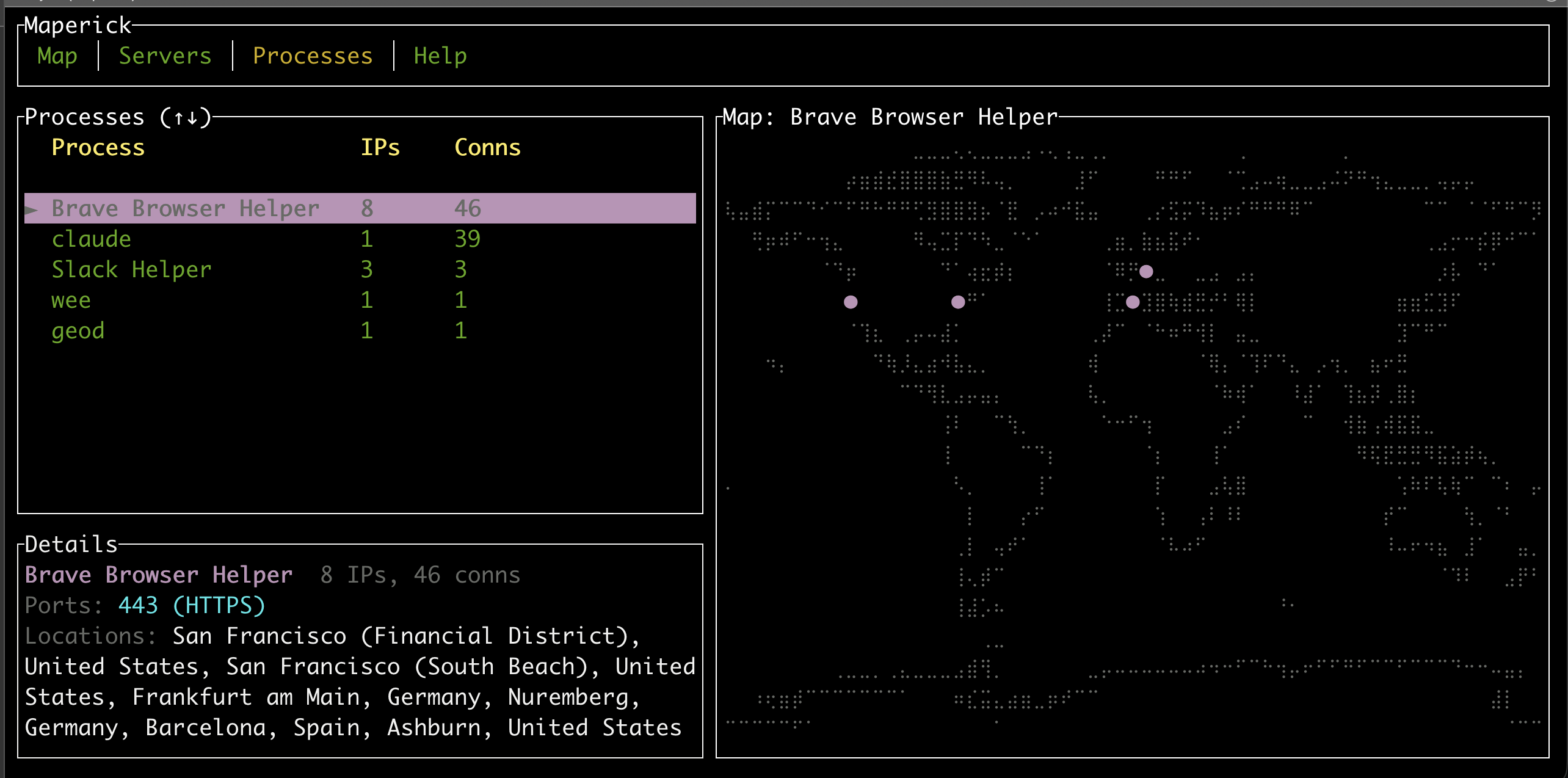
Per-process connection tracking
Everything you need to understand your network at a glance.
Tracks active TCP connections continuously with configurable refresh intervals. Watch connections appear and disappear as your system communicates with the world.
Pinpoints server locations using MaxMind GeoLite2 databases. Every connection is resolved to a geographic coordinate and rendered on the world map.
Persists all-time connection statistics in a local SQLite database. Track which IPs you've connected to, when, and how often — across sessions.
Navigate with keyboard shortcuts, switch between multiple tabs, and view color-coded connection statuses. A full terminal UI powered by Ratatui.
See which processes are making connections. The Processes tab shows a split view with per-process connection maps and statistics.
Automatically downloads the GeoLite2 database on first run. No manual setup required — just run and start exploring your network.
A full-featured network visualization running entirely in your terminal.
World map view with geolocated connections
Server statistics with all-time history
Per-process connection tracking
A lightweight CLI for power users and a native macOS app for everyone else.
A single binary with zero runtime dependencies. Built in Rust for minimal memory usage and instant startup. Runs on Linux, macOS, and Windows.
cargo install maperick
A full SwiftUI application with a 3D globe visualization, menu bar integration, and native macOS look and feel. Installable via DMG.
Clone, build, and run — or just use cargo install.
Get up and running in under a minute.
# Clone and build
git clone https://github.com/schlunsen/maperick.git
cd maperick
cargo build --release

# Run with your GeoLite2 database
./target/release/maperick -e -p GeoLite2-City.mmdbSimple, focused command-line interface.
maperick [OPTIONS]

Options:
  -t, --tick-rate <ms>       Update interval (default: 250)
  -p, --path <PATH>          Path to GeoLite2 MMDB file
  -e, --enhanced-graphics    Enable Unicode symbols
  -h, --help                 Print help